
How to Take Boat Rental Bookings Online Without Playing Phone Tag All Day
You bought the boats. You built the fleet. You know exactly how to put someone on the water for an afternoon they will not forget. What you did not sign up for is spending three hours every Tuesday fielding texts like "Is the pontoon free Saturday?" and "Can you hold it while my wife checks the weather?"
Phone-first booking works until it does not. And for most rental operators, it stops working right around the time you actually get busy.
This guide walks through what it takes to move your boat rental reservations online, collect deposits without chasing anyone down, and run a tighter schedule without hiring a front-desk person to manage it all.
Why Phone Booking Is Costing You More Than You Think
The cost of phone booking is not obvious at first. You handle a call, jot a name in your calendar, and move on. But add it up across a full season and the picture changes.
Every call that goes unanswered is a potential rental that shops the next number on Google. Every "hold it for me" that does not come with a deposit is a date that might not hold. Every manual calendar update that happens five minutes late is a double-booking waiting to happen.
Rental customers tend to decide quickly. They want a boat for this weekend, or they want to plan a birthday trip for next month. They open a browser, find a few options, and book whoever makes it easiest. If your site says "call for availability," that is one more step than the operator who already has a live calendar and a Book Now button.
The operators who move first on online booking tend to fill their calendar faster and do less administrative work, not more.
What Your Guests Actually Need From an Online Booking Page
Before you set anything up, think about the experience from a customer's side. Someone looking to rent a pontoon for a Saturday afternoon typically wants to know three things in about thirty seconds:
- Is the boat available on the date I want?
- What does it cost, and what is included?
- Can I lock it in without calling anyone?
If your booking page answers all three and makes the checkout quick, you convert a high percentage of people who land on it. If it requires a phone call, a form submission, or a wait for someone to email back, you will lose a meaningful portion of them to whoever else comes up in that same search.
The page itself does not need to be complex. A clear list of available boats or packages, real-time availability by date, honest pricing, and a deposit checkout that works on a phone is enough. Most guests can complete that in two or three minutes.
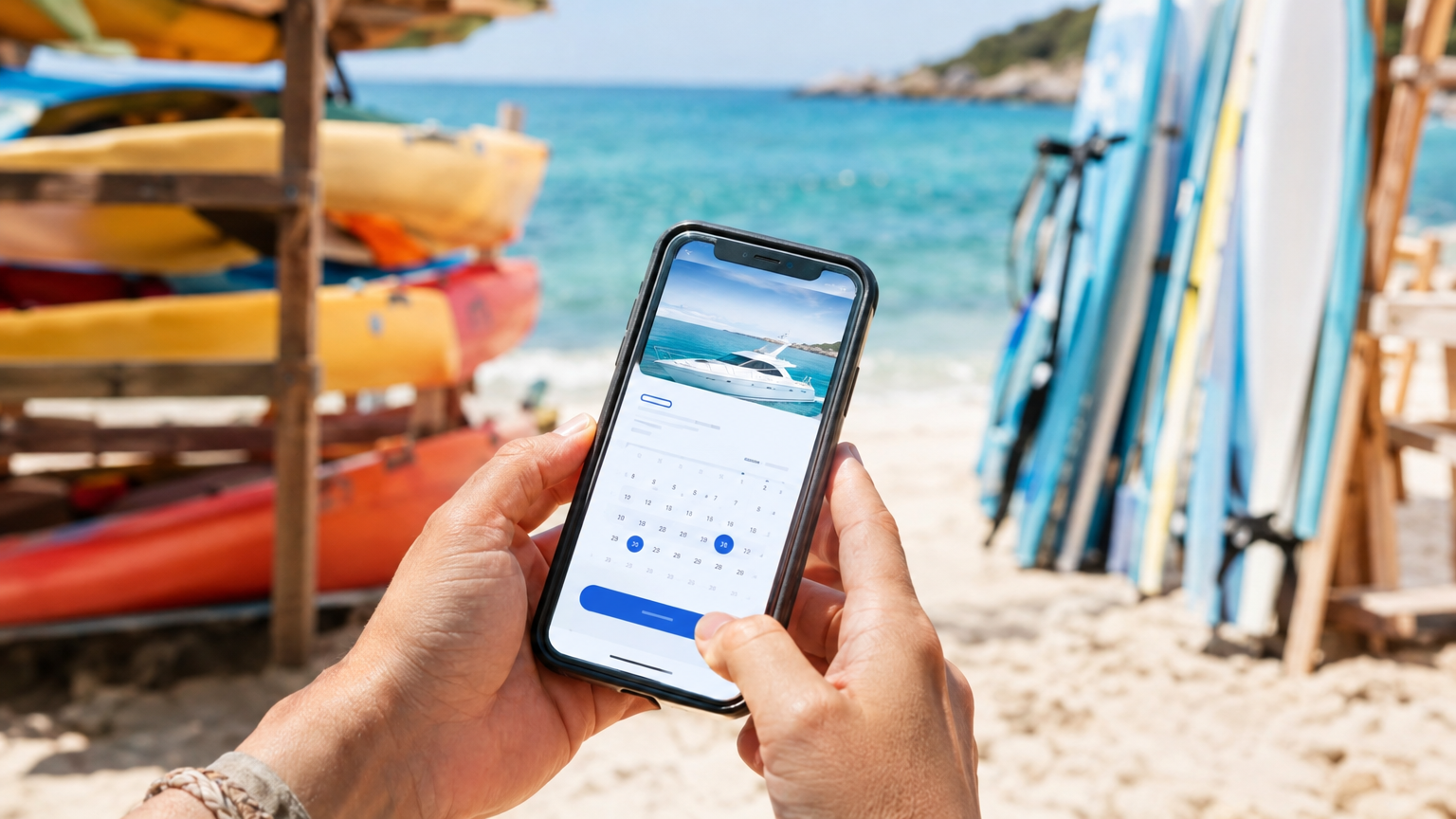
Guests expect to book on their phone in minutes — a mobile-ready checkout is not optional.
Deposits Are What Separate Real Bookings from Maybes
This one matters more than almost any other decision in your booking setup.
A rental request without a deposit is an expression of interest. It is someone saying they would probably like a boat on Saturday, conditions permitting, assuming nothing better comes along. That is not the same as a booking, and treating it like one will leave you holding blocked-off dates that turn into empty slips.
A deposit flips the psychology. Once a guest has paid something, they have made a real commitment. They show up. They reach out ahead of time if plans change instead of just vanishing. And if they do cancel late, you have some coverage for the lost revenue.
Most rental operators do well with a deposit somewhere between 25 and 50 percent of the total rental price. Shorter, lower-cost rentals can sit closer to 25 percent. Longer or premium rentals, where you have more fuel, preparation, and opportunity cost tied up, warrant something closer to half up front. The key is that the deposit amount should feel meaningful to the guest — enough that they take the booking seriously.
Your booking software should handle this automatically. You set the deposit percentage once, and every online reservation runs through the same checkout flow. Funds land in your Stripe account directly. You do not chase anyone down, and you can see at a glance which rentals are confirmed versus which ones are still pending payment.
Your Fleet Is Your Inventory — Treat It That Way
If you run more than one boat, or even if you run a single boat across multiple time slots per day, your calendar is not just a schedule. It is inventory. And inventory management is what determines whether you can grow without chaos.
The biggest structural mistake rental operators make is running boat availability in separate places. One calendar on the website. A separate sheet for phone bookings. A text thread with the part-time employee who handles walk-ups on weekends. Each of those is its own source of truth, and none of them talk to each other.
You get away with this until you do not. And usually the moment you stop getting away with it involves two groups showing up at the same slip at the same time, one of whom has a printed confirmation and is not happy.
A proper booking setup gives each boat its own availability inside a single shared calendar. When a time slot fills from any source — online, phone, walk-up — it locks everywhere else immediately. Your staff sees the same view you see. Guests only see what is genuinely open.
That structure is not just about avoiding double-bookings. It is also what lets you eventually add a boat, add a time slot, or add a team member without rebuilding how you operate.
Waivers and Rental Agreements Before They Show Up
If your current waiver process involves handing someone a clipboard in a parking lot and watching them skim it while their kids are already trying to climb in the boat, you know the problem.
Pre-trip digital waivers solve three things at once. Guests read at their own pace before the day of the rental. Your crew does not spend the first fifteen minutes of every booking doing paperwork. And your records are clean, searchable, and stored with the booking — not in a drawer or a soggy folder at the dock.
For boat rentals specifically, a good waiver or rental agreement typically covers assumption of risk, confirmation that the operator has a valid license (if applicable), fuel policy, damage expectations, maximum passenger capacity, and your cancellation terms. Your attorney should review the exact language, but having it signed digitally before guests arrive is a much better baseline than paper at the dock.
Send the waiver link in the confirmation email when the booking is made, and again in the reminder message you send 24 to 48 hours before the rental. Most guests will complete it on their phone within a few minutes of receiving it. By the time they arrive, you are ready to hand over the keys and get them on the water.
Reminders Do the Work of a Front-Desk Staff Member
No-shows hurt rental operations differently than they hurt charter fishing trips. When a charter guest does not show, the captain still goes out — or does not, and the day is largely wasted. When a rental guest no-shows, your boat sits at the dock during a slot you could have sold to someone else.
Automated reminders are one of the most effective ways to reduce that. A confirmation message right after booking confirms the details and sets expectations. A reminder one or two days before the rental — with the pickup location, what to bring, and your cancellation policy clearly restated — dramatically reduces the "I forgot" and "I thought it was a different day" situations.
Guests who receive clear reminders also tend to reach out in advance when they need to cancel, rather than just not showing up. That gives you time to re-list the slot and potentially fill it instead of eating the loss entirely.
Set up these messages once in your booking software and they run automatically for every reservation from that point forward. That is the equivalent of a front-desk employee whose only job is communicating clearly with guests before they arrive — without the payroll.
Walk-Ins and Phone Bookings Still Have a Place
Moving your booking process online does not mean refusing walk-ups or telling regulars to go use the website. It means making sure every reservation, regardless of how it comes in, ends up in the same place.
When a walk-in shows up and wants a boat for this afternoon, you should be able to add them manually in thirty seconds — pick the boat, set the time, mark the deposit as paid or collected at the dock, and the slot locks. When a regular calls to book next weekend because that is just how they like to do it, enter it the same way. The system treats all of it the same: one calendar, every reservation accounted for.
The goal is not to force every guest into an online flow. The goal is to never have a booking live anywhere except the central calendar, regardless of how it originated.
QR Check-In at the Dock Makes Launch Morning Cleaner
When guests arrive for their rental, they should not have to wait while someone shuffles through a binder looking for their confirmation. A QR code-based check-in lets you scan each guest's confirmation code from your phone, confirm their waivers are signed, verify payment status, and get them onto the boat in about sixty seconds.
For operations running multiple boats across a busy day, this matters. Check-in bottlenecks are where late departures start, and late departures are where back-to-back slots collide. A faster, more organized check-in process keeps the schedule clean from the first rental of the morning through the last return of the evening.
What to Look for When You Choose a Booking Platform
Not all booking tools are built for the way a rental dock actually runs. Here is what genuinely matters when you evaluate options:
- Per-boat availability tracking. Each vessel needs its own schedule that blocks accurately when it sells. Generic event booking software often misses this.
- Deposit collection at checkout. Not just a payment gateway — automatic deposit logic tied to each rental type, so every booking collects the right amount.
- Mobile-ready for you and your guests. You will manage bookings from the dock, not a desk. Your guests will book on their phones. Both experiences need to work without friction.
- Digital waivers and rental agreements. Built-in, not a third-party add-on that requires a separate login.
- Manual booking entry. Walk-ups and phone bookings need to be addable without workarounds.
- Automated reminders. Set once, run automatically, reduce no-shows.
- Honest, simple pricing. Monthly subscription fees can erode margins fast in a seasonal business. A model built around a small per-booking fee with no monthly cost often fits rental operators better, especially during shoulder months when bookings thin out but the software bill does not.
Set It Up Once, Run It for Seasons
The most common reason rental operators put off setting up online booking is the assumption that it will take weeks to configure and require ongoing technical maintenance. With a purpose-built platform, that is not the reality.
A basic setup — boats added, trip types and pricing configured, booking page live, Stripe connected, deposit amounts set, confirmation messages ready — can typically be done in an afternoon. If your platform provider helps with setup and migration, it is even faster.
Once it is running, the system does the repetitive work: confirms bookings, collects deposits, sends reminders, blocks availability, builds your customer list, and tracks revenue. You handle the boats and the guests. The software handles the paperwork and the calendar management.
That is the version of a rental business most operators wanted when they started — one where the administrative overhead does not grow faster than the operation itself.
VrixPlay is free to use, with a simple 3% per-booking fee and no monthly subscription. Setup is included. If you run a pontoon fleet, a jet ski rental stand, kayak and paddleboard rentals, or any other boat rental operation, it is worth spending fifteen minutes to see how it fits. Start free here — no card required.
