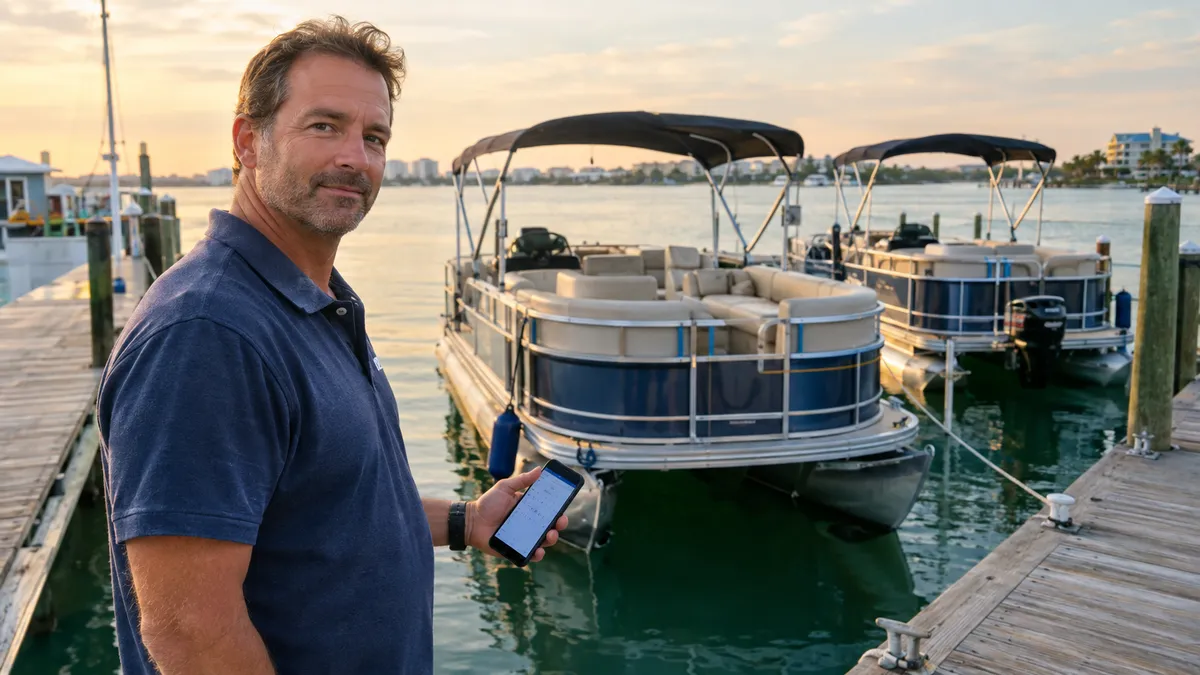
How Boat Rental Operators Can Set Up Online Booking Before Next Season
The rental season winds down, the boats come out of the water or get tarped up at the dock, and for a few weeks the phone actually stops ringing. That gap is the best time most rental operators will have all year to fix the systems they complained about from May through September — and the one thing worth fixing first is how guests book.
If your rental operation still relies on a whiteboard, a paper binder at the front desk, and deposits collected over the phone, you already know what that costs you. It costs you double-booked pontoons on holiday weekends. It costs you unsigned rental agreements discovered at pickup. It costs you a Saturday morning where two families show up for the same boat and nobody is happy. None of those problems are hard to solve. They just require a system built for how rentals actually work, not a spreadsheet duct-taped to a calendar app.
This guide walks through exactly how to move your boat rental fleet online before the next busy season, what to set up first, and what you can realistically skip until later.
Why the Off-Season Is the Right Window
Rental operators who try to switch booking systems in June are asking for trouble. You are too busy handling actual customers to also troubleshoot a new platform, re-enter your fleet data, or train dock staff on anything unfamiliar. The first week of a new system always has friction, and you do not want that friction when a boat is due out in forty minutes.
October through February gives you time to build your setup properly. You can enter each hull in the system with accurate rates, rental blocks, and blackout dates. You can set up your rental agreement so it is ready to send digitally before anyone touches a throttle. You can connect your payment account and test a real deposit collection before a real guest needs to use it. And when the spring phone calls start coming in — and they always start earlier than you expect — you can take bookings from a clean, organized dashboard instead of a legal pad.
The operators who show up to next season in the best shape are almost always the ones who made one operational change during the off-season. Getting online booking right is the highest-return change most rental fleets can make.
What a Boat Rental Booking System Actually Needs to Do
Not every boat rental operation is the same, but the core requirements are pretty consistent across pontoon fleets, center console rentals, deck boat operations, and multi-hull marinas. Before you pick any platform or start entering data, it helps to know exactly what you are trying to accomplish.
Availability by hull, not just by date. If you run four boats, you need four separate calendars — not one shared availability block. A platform that only tracks open dates cannot tell the difference between having one pontoon available and having four. That distinction matters the moment you get two same-day bookings and only one boat is clean.
Flexible rental blocks. Half-day, full-day, hourly, overnight — whatever you actually sell. The system should let you build buffer time between rentals for fueling and cleanup, without you having to manually block every turnaround window on the calendar.
Deposits collected online before pickup. The deposit is what converts a phone inquiry into a real commitment. If guests can call you, get availability information, and walk away without paying anything, your no-show rate will stay exactly where it is. A booking system that captures the deposit at checkout removes that leak.
Rental agreements and damage waivers signed digitally. Paper agreements get wet, get left in gloveboxes, and get lost. Digital agreements signed before arrival are attached to the reservation, searchable, and always available if you need them. They also create a clear, time-stamped record of what each renter accepted — which matters if there is ever a dispute about damage or liability.
Add-ons that sell during checkout. Tubes, wakeboards, coolers, fuel packages, delivery fees — these are revenue you are currently collecting manually, or not at all. When add-ons appear in the booking flow before the renter finalizes their reservation, a meaningful portion of customers will buy them without being asked.
A clear picture of what is out, what is due back, and what goes out next. The dock crew should be able to open one screen and see the whole day: which boats are currently out, when they are expected back, which renters are next, and whether the turnaround time is tight. That view prevents the scrambles that lead to late departures and irritated customers.

Getting rental agreements signed digitally before pickup keeps your records clean and dock check-in moving fast.
The Setup Sequence That Actually Works
When operators set up a new booking platform for the first time, the ones who get stuck usually try to do everything at once. They start entering boats, then jump to payment setup, then realize they have not figured out their rental blocks, then go back and change rates they already entered. A week later the system still is not live and they have lost confidence in the whole project.
The cleaner approach is to move through the setup in order, finish each piece before touching the next, and only launch the live booking link after every layer is working correctly.
Step 1: Enter your fleet. Start with the boats. Give each hull its own record with a name, a description, and the rental blocks you actually sell. Set rates for each block type. Mark any blackout dates you already know about — scheduled maintenance, haul-outs, personal use days. This is the foundation everything else sits on, so get it right before moving on.
Step 2: Configure your deposit and cancellation rules. Decide your deposit amount and write your cancellation policy in plain language. Most pontoon and deck boat operations use 25 to 50 percent down, with a 48 to 72-hour cancellation window for inshore day rentals. Set these rules once in the system and let the booking flow enforce them. This is also when you decide what happens for no-shows and what your weather cancellation policy looks like for guests.
Step 3: Set up your rental agreement and damage waiver. Work with your attorney on the exact language, but get the document into your system now rather than later. The goal is to have every renter sign digitally when they book, so the agreement is attached to the reservation before they ever walk up to the dock. If you have been using a paper form, convert the same content to digital — you are not starting from scratch, just changing the delivery method.
Step 4: Connect payments. Link your Stripe account so deposits and balances flow directly to you. Test a real transaction before you open the booking link to the public. Send yourself a payment link, complete a test checkout, and confirm the funds appear where you expect. Catching problems now costs you nothing. Catching them on the first booking of the season is a different story.
Step 5: Configure add-ons. Add any equipment or services guests can purchase at checkout. Keep the list focused — three to five well-chosen add-ons convert better than a cluttered menu. Tubes and boards, a cooler package, a fuel surcharge, dock delivery if you offer it. Write brief, clear descriptions so guests know exactly what they are buying.
Step 6: Review the booking flow as a guest would see it. Open your booking link on your phone and go through the entire checkout from the guest side: choose a boat, pick a date and rental block, add an add-on, enter payment details, and confirm. Read every screen. If anything is confusing, fix it now. The guests who will struggle are the ones who never call to complain — they just abandon the checkout and call a competitor.
Step 7: Share the link. Once everything checks out, put the booking link where your customers already look: your website, your Instagram bio, your Google Business profile, any Facebook posts where you show boats. You do not need a major marketing campaign. You just need the link accessible so that the next person who finds you can book immediately instead of calling during hours you may or may not be staffed.
What to Do About Existing Phone and Walk-In Customers
Some of your regulars will never use online booking on their own. They call, you answer, you work it out. That is fine — a good rental booking system handles manual entries too. When a guest calls, you enter the booking yourself, send them a payment link for the deposit, and the system creates the same record it would have created if they booked online. The calendar stays accurate, the agreement goes out automatically, and nothing falls through the cracks just because the guest prefers the phone.
Walk-ins work the same way. Add the booking at the front desk, collect payment through the same flow, and print or pull up the rental agreement on a tablet for them to sign. Every transaction ends up in one system, not split between a paper binder and a digital calendar.
The point is not to eliminate every phone call. The point is to stop running two parallel records that have to be manually reconciled at the end of every day.
A Note on the Economics
The most common reason rental operators delay switching to a booking system is the assumption that software is expensive. Monthly subscription platforms built for hospitality or activity businesses can cost several hundred dollars a month before add-ons, which is a real number when most of your revenue is seasonal and your margins are built around fuel, insurance, and maintenance costs that do not change much year to year.
VrixPlay is built differently. The software is free — no monthly fee, no setup charge, no per-boat fee for adding hulls to your fleet. The only cost is a flat 3% per booking on guest card payments, collected as an application fee through Stripe. On a $400 half-day pontoon rental, that is $12. On a slow month with ten bookings totaling $4,000, that is $120. On a peak month with eighty bookings totaling $32,000, that is $960. You decide what that is worth against the cost of a double-booking, a lost deposit, or a disputed damage claim with no signed agreement to reference.
The setup is handled for you. VrixPlay's team migrates your fleet data, builds your rental calendar, and trains you by phone — based out of Destin, Florida, which means the people helping you understand how Gulf Coast marine rentals actually operate. You download the app to your phone and get back to work.
What to Get Done This Month
You do not need to complete the whole setup today. But if you want to be live before the spring season, October is the right time to start the conversation. Here is a realistic timeline:
- This week: Create a free account and walk through the fleet entry for one boat. Get a feel for how the system works before you commit to entering everything.
- Next two weeks: Finish entering your full fleet, set rental blocks and rates, and configure your deposit and cancellation policy.
- By end of November: Get your rental agreement loaded, connect your Stripe account, and test a complete checkout end to end.
- December: Add your booking link to your website and Google profile so early planners — the guests who book January trips in December — can reserve directly instead of sending you a DM.
- January: Train dock staff on the check-in flow and the daily operations view. Run through a few mock bookings so everyone knows what to expect before the first real guest of the year.
By the time the boats go back in the water, your rental calendar is live, your agreements are automated, and your deposit policy is enforced on every booking without you having to remember to ask.
The Whiteboard Problem Does Not Fix Itself
Every rental operator who has run a busy season on a paper calendar has a story. The double-booked holiday weekend. The family who drove two hours and showed up to a boat that was already out. The damage claim where the renter swore they never signed anything — and technically they had not, because the form blew off the counter during check-in and nobody noticed.
These problems are not bad luck. They are the predictable output of a system that was not designed to handle the volume and coordination that a real rental operation requires. The fix is straightforward: put your fleet on a booking platform before next season starts, collect deposits at the time of booking, and get every rental agreement signed before anyone shows up at the dock.
If you run pontoons, center consoles, deck boats, or any other rental fleet and want to see how that setup looks in practice, explore VrixPlay's boat rental features and start free — no credit card, no monthly fee, setup in about fifteen minutes.
