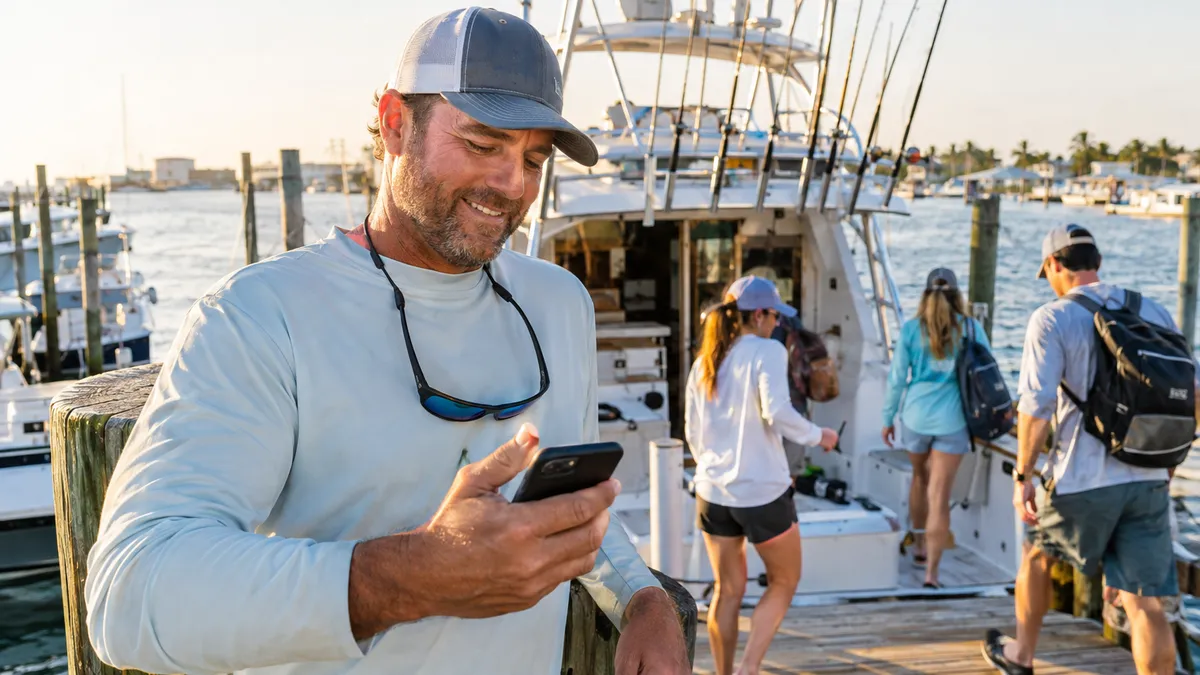
How to Collect Tips Online for Your Charter or Rental Business
A guest steps off your boat after four hours on the water. They caught fish, had a great time, and genuinely want to tip the captain. But they left their wallet in the car, forgot to hit the ATM, and their only cash is a crumpled five from the bottom of a bag. They feel bad. The captain gets shortchanged. And the moment passes.
This plays out dozens of times every season on boats and at rental stands all over the Gulf Coast. Guests want to tip. They just do not have a good way to do it when the experience ends and cash is not at hand.
Digital tip collection solves this cleanly, and operators who set it up correctly see the difference in their end-of-season numbers.
Why Tips Are Slipping Through the Cracks
The shift away from cash has been gradual, but it is real. Younger guests almost never carry bills. Families on vacation often settle up on a card for the whole trip and think about gratuity afterward, when they are already in the car. Walk-up guests at a beach rental stand are the same way.
The problem is not that guests are cheap. The problem is timing and friction. If you only give guests one moment to tip, at the dock, in cash, right at handoff, you will miss everyone who was thinking about it but did not have the means in that moment.
The fix is giving guests a second path: a way to leave a tip from their phone, on their schedule, before or after the experience.
Two Ways to Collect Tips Digitally
There are two distinct moments where digital tips work, and operators who set up both capture the most gratuity.
1. At Checkout, Before the Trip
Adding a tip option directly to the booking checkout is the highest-conversion approach for charters. When guests are already entering their card details and feeling good about their upcoming trip, a gratuity line sits naturally in the flow. Many will add something, especially for private charters where tipping the captain and mate is expected.
The key is keeping it frictionless. A simple percentage selector alongside the booking total is enough. Do not make guests calculate. Do not bury it at the bottom of a long form. Put it where they will see it while they are still in buying mode.
2. After the Trip, on a Dedicated Tip Page
For guests who did not tip at checkout, or who want to add more after experiencing how good the trip actually was, a dedicated tip page sent post-trip is the right move. This is a short, mobile-friendly page that captures a card payment specifically for gratuity, routed directly through your connected payment account.
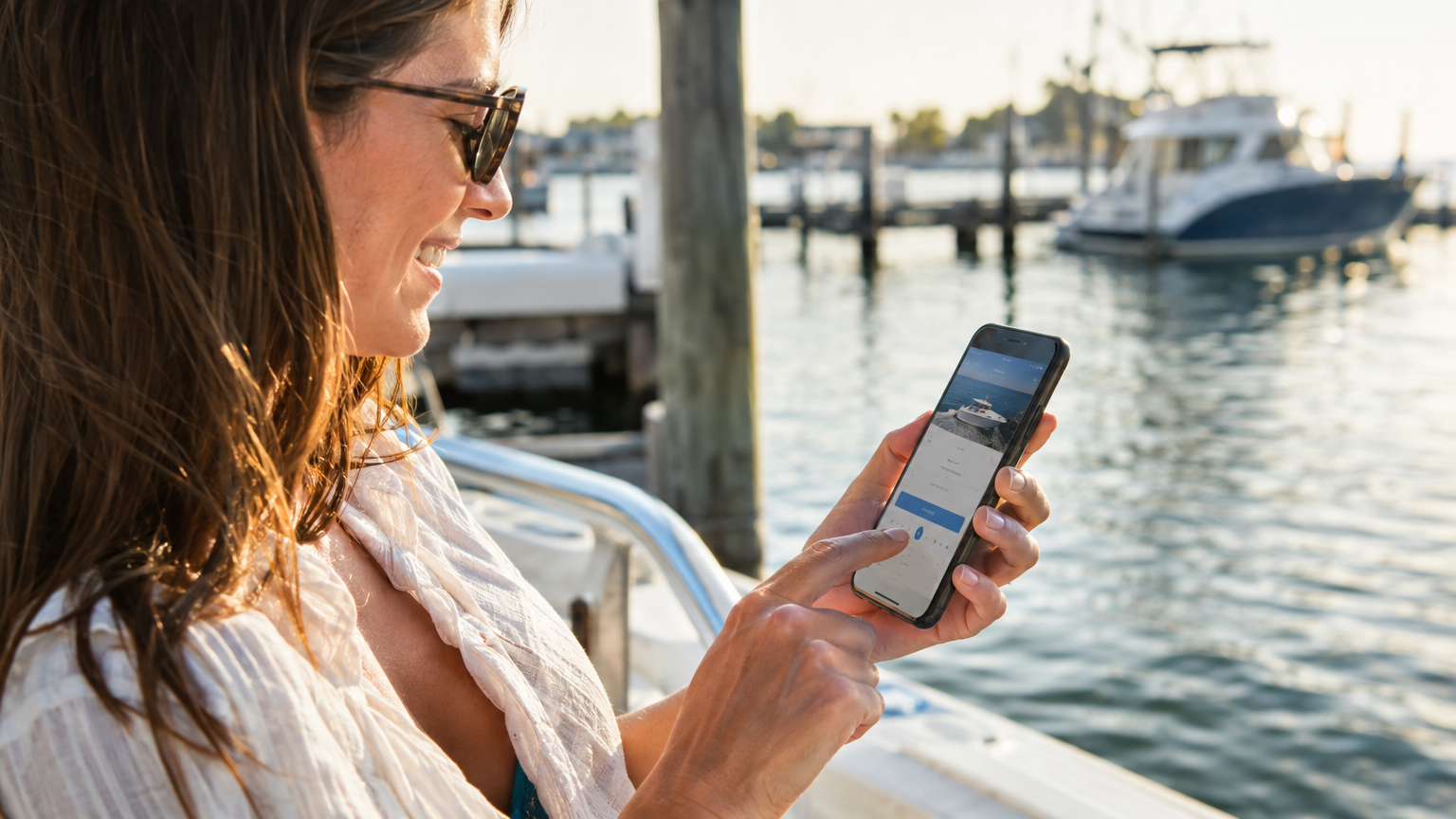
A dedicated post-trip tip page lets guests add gratuity from their phone whenever the moment feels right, not just at the dock.
You can send the link via text or email within an hour of the trip ending, when guests are still buzzing from the experience. That window matters. Tips sent the same afternoon are going to outperform a reminder the next morning every time.
What Operators Get Wrong
A few common mistakes that limit how much gratuity actually makes it through:
Waiting too long to send the link. If the post-trip tip message goes out the next day as part of a general follow-up email, it gets buried. Send it as a standalone text or short email within a couple of hours of the experience ending.
Making it feel like a second transaction. Language matters. A message that says your captain would love your feedback, and if you would like to leave a tip there is a quick link, lands differently than one that opens with a payment request. Keep it warm and low-pressure.
Not telling crew how it works. If your captain or mates do not know a tip page exists, they cannot reinforce it dockside. A quick mention at the end of the trip primes guests before they even get the text.
Routing tips through the wrong account. Tips should move through your connected payment account and be clearly attributed so bookkeeping stays clean. Mixing gratuity with booking revenue creates headaches at tax time.
How VrixPlay Handles This
VrixPlay supports tip collection at two points in the guest journey. The checkout flow includes a tip option so guests can add gratuity when they book. For post-trip collection, a dedicated tip page gives guests a clean mobile experience to leave gratuity separately, no login required, no friction.
Payments process through your own connected Stripe account, so funds land directly without a platform holding period. That matters for crew who are counting on tips as part of their day.
A Simple Post-Trip Message That Works
You do not need to overthink the outreach. A short text sent after the trip is enough:
Thanks for joining us today. Hope you had a great time out there. If you would like to leave a tip for the crew, here is a quick link. We appreciate you!
That is it. No hard sell, no awkward ask. Guests who want to tip will use it. Guests who already did will ignore it. Either way, you have not lost the opportunity.
The Revenue Math Adds Up
Even modest tip collection at scale makes a meaningful difference. A charter operation running 200 trips a year where 40% of guests leave a $20 digital tip is an extra $1,600 in crew income that was not captured before. For a full-season rental fleet or a high-volume tour boat operation, the numbers grow quickly.
The goal is not to extract more from guests. It is to give the guests who already want to express appreciation a clear, easy way to do it, instead of losing that intent to a dead-end cash moment at the gangway.
Set It Up Before Your Next Trip
Tip collection is one of those features that takes twenty minutes to configure and pays for itself the first busy weekend. If you are on VrixPlay, the checkout tip option and the dedicated tip page are both available in your payment setup. Connect your Stripe account, turn on the tip options, and drop the post-trip link into your confirmation message template.
Your crew will notice. And so will your end-of-season totals.
